Next.js images in MDX
383 words2 min read
- Authors
- Name
- Andy Cao


Table of content
Introduction
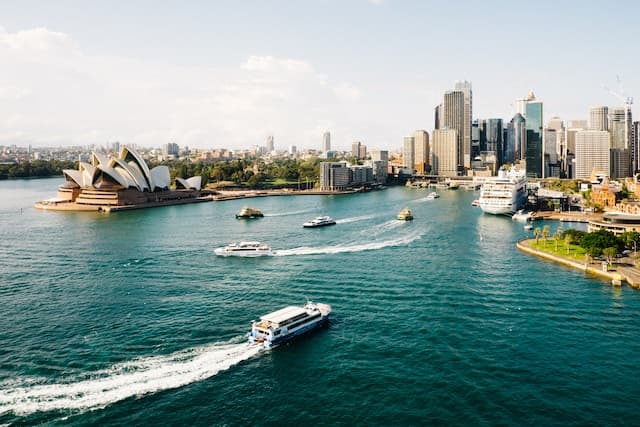
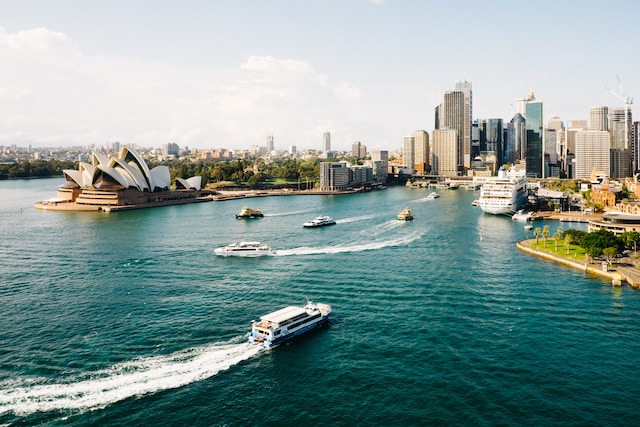
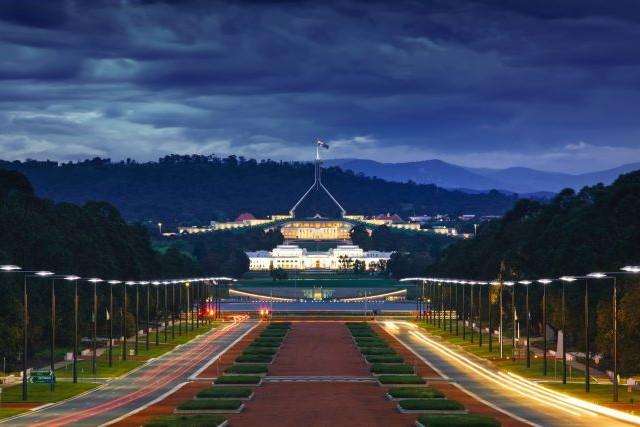
Want to create custom layout to display images in the markdown file? Here is how to create a visually appealing image gallery showcasing the scenic beauty of Australia landmarks. This guide will walk you through the process of rendering breathtaking Australian landscapes, from eucalyptus leaves and sun-kissed beaches to vibrant coral reefs and the iconic Opera House, using MDX and Tailwind CSS in a Next.js project.
Features
- Image Optimisation: We'll be using the
next/imagecomponent for optimal image handling. - Responsive Design: Employ a responsive flexbox grid to display images, making the gallery look great on all devices.
- Ease of Use: With just a few lines of code and a handful of Tailwind CSS classes, you can easily create a stunning gallery.
Here's a sneak peek at how the gallery will look in the MDX file:
Gallery





--- # Implementation
<div className="-mx-2 flex flex-wrap overflow-hidden xl:-mx-2">
<div className="my-1 w-full overflow-hidden px-2 xl:my-1 xl:w-1/2 xl:px-2">
</div>
<div className="my-1 w-full overflow-hidden px-2 xl:my-1 xl:w-1/2 xl:px-2">

</div>
<div className="my-1 w-full overflow-hidden px-2 xl:my-1 xl:w-1/2 xl:px-2">

</div>
<div className="my-1 w-full overflow-hidden px-2 xl:my-1 xl:w-1/2 xl:px-2">
</div>
</div>