A Primer in Retrieval Augmented Generation
- Authors
- Name
- Andy Cao


Table of content
Key Components of a RAG Application
A Retrieval-Augmented Generation (RAG) application leverages the strengths of both retrieval-based and generation-based models to create more accurate and contextually relevant outputs. RAG applications are increasingly popular in various domains, including customer support, legal search, and data analysis. Below, we explore the key components that make up a RAG application, with specific examples and code snippets focusing on Azure-based approaches, an overview of key concepts, and the main purposes of a RAG application.

RAG Application - Use Cases
1. Enhanced Information Retrieval
RAG applications provide users with more accurate and contextually relevant information by combining the power of retrieval and generation models. This approach ensures that users receive comprehensive responses that are both data-driven and context-aware.
2. Improved User Experience
By delivering more precise and relevant answers, RAG applications enhance the overall user experience. This is particularly beneficial in customer support, where accurate and timely responses are critical.
3. Content Generation
RAG applications can assist in generating high-quality content for various purposes, including marketing, education, and research. By leveraging large datasets and advanced language models, these applications can produce content that is informative and engaging.
4. Efficiency in Data Processing
RAG applications streamline data processing by efficiently retrieving and generating information. This reduces the time and effort required to find and compile data, making it an invaluable tool for professionals in various fields.
Architectural overview
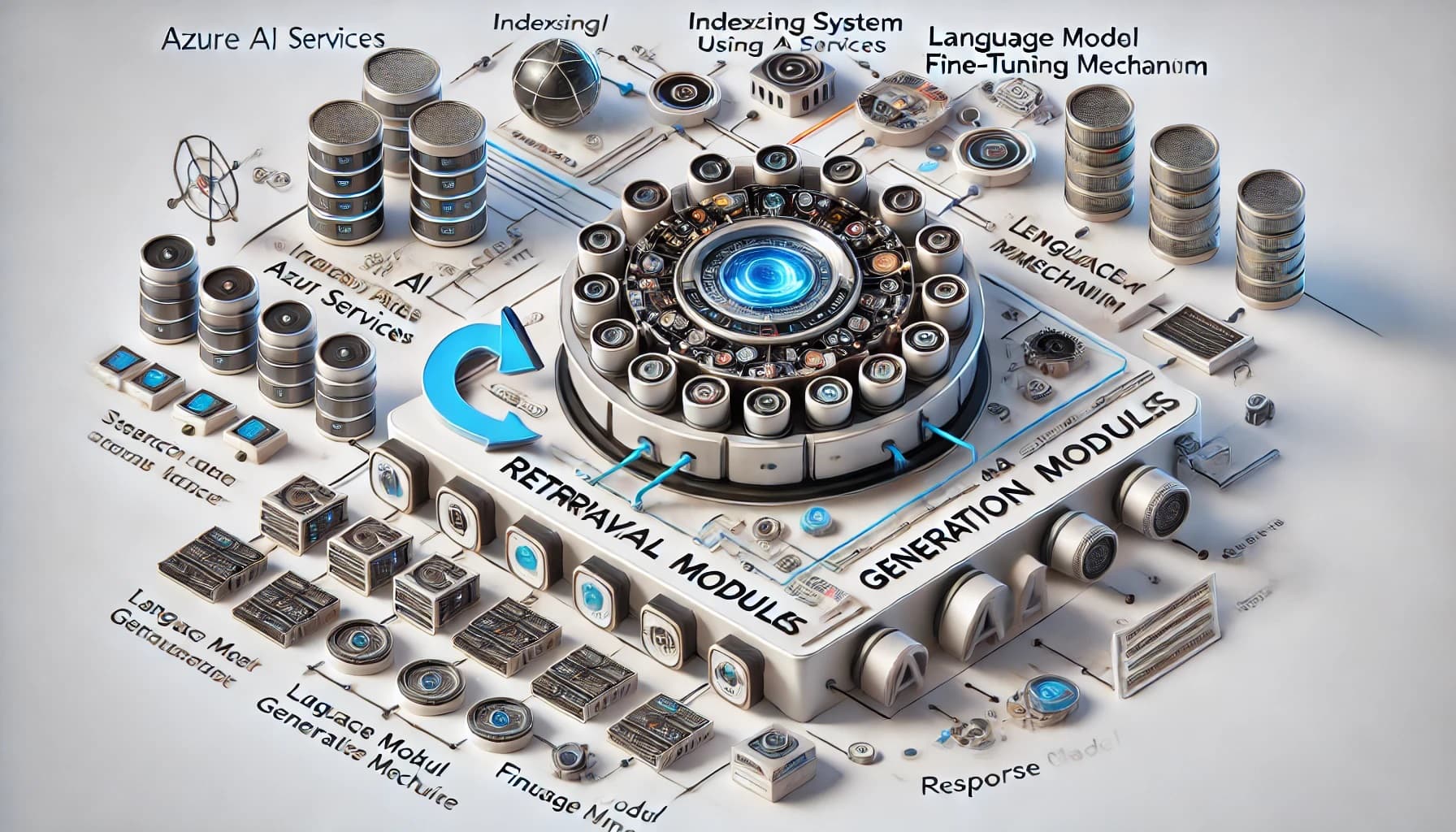
1. Hybrid Models
RAG applications combine the strengths of two types of models:
- Retrieval-based Models: These models fetch relevant information from a predefined dataset, ensuring that the response is grounded in real data.
- Generation-based Models: These models generate text based on patterns learned from a large corpus of data, enabling more flexible and contextually rich responses.
2. Contextual Relevance
One of the core principles behind RAG is enhancing contextual relevance. By retrieving specific pieces of information related to a query, the generation model can produce outputs that are more precise and aligned with the user's needs.
3. Scalability and Efficiency
RAG models are designed to efficiently handle large-scale data. The retrieval module allows the system to quickly pinpoint relevant information, while the generation module synthesises this information into coherent responses, balancing accuracy with computational efficiency.
Retrieve, augment, and integrate
1. Retrieval Module
The retrieval module is responsible for fetching relevant documents or pieces of information from a large dataset. On Azure, this can be implemented using Azure AI Services. This component ensures that the generation model has access to pertinent data, improving the accuracy and relevance of the generated output. The retrieval module typically includes:
Indexing System: Use Azure AI Services to index and store large volumes of data for quick retrieval.
from azure.search.documents import SearchClient
from azure.core.credentials import AzureKeyCredential

endpoint = "https://<your-search-service>.search.windows.net"
index_name = "your-index"
api_key = "<your-api-key>"

search_client = SearchClient(endpoint, index_name, AzureKeyCredential(api_key))

def index_documents(documents):
    result = search_client.upload_documents(documents=documents)
    return result
Query Processor: Converts user input into a format suitable for querying the indexed data.
def search_documents(query):
    results = search_client.search(query)
    return [doc for doc in results]
Search Algorithm: Azure AI Services provides an efficient search algorithm to retrieve the most relevant documents based on the processed query.
2. Generation Module
The generation module takes the information retrieved by the retrieval module and generates coherent and contextually appropriate text. On Azure, you can use Azure OpenAI Service, which provides access to powerful language models like GPT-4. Key elements of the generation module include:
Language Model: A pre-trained model capable of generating text based on the input data and context.
from azure.ai.openai import OpenAIClient

openai_client = OpenAIClient(endpoint="<your-openai-endpoint>", credential=AzureKeyCredential("<your-api-key>"))

def generate_response(prompt):
    response = openai_client.completions.create(
        engine="davinci-codex",
        prompt=prompt,
        max_tokens=150
    )
    return response.choices[0].text
Fine-Tuning Mechanism: Allows the model to be fine-tuned on specific datasets to improve performance in particular domains or tasks.
Response Generator: Combines the retrieved information and generated text to create a final response that is both accurate and contextually relevant.
3. Integration Layer
The integration layer connects the retrieval and generation modules, ensuring smooth data flow and coordination between the two. This layer includes:
Data Pipeline: Manages the flow of data between the retrieval and generation modules.
APIs: Application Programming Interfaces that allow different components of the RAG application to communicate with each other and external systems.
from flask import Flask, request, jsonify

app = Flask(__name__)

@app.route('/query', methods=['POST'])
def query():
    query = request.json.get('query')
    retrieved_docs = search_documents(query)
    context = " ".join([doc['content'] for doc in retrieved_docs])
    prompt = f"Context: {context}\n\nQuestion: {query}\n\nAnswer:"
    response = generate_response(prompt)
    return jsonify({'response': response})

if __name__ == '__main__':
    app.run()
Middleware: Software that provides common services and capabilities to applications outside of what's offered by the operating system.
4. User Interface
The user interface (UI) is the front-end component through which users interact with the RAG application. A well-designed UI ensures a seamless user experience and effective interaction with the application. Key aspects of the user interface include:
- Input Methods: Various ways for users to input queries, such as text boxes, voice input, or file uploads.
- Output Display: Mechanisms for displaying the generated responses, including text output, downloadable files, or integrated dashboards.
- User Feedback: Features that allow users to provide feedback on the accuracy and relevance of the responses, helping to improve the application over time.
Here is a simple example of a user interface for a RAG application using HTML and JavaScript:
<!DOCTYPE html>
<html lang="en">
  <head>
    <meta charset="UTF-8" />
    <meta name="viewport" content="width=device-width, initial-scale=1.0" />
    <title>RAG Application</title>
  </head>
  <body>
    <h1>RAG Application</h1>
    <form id="query-form">
      <label for="query">Enter your query:</label>
      <input type="text" id="query" name="query" />
      <button type="submit">Submit</button>
    </form>
    <div id="response"></div>

    <script>
      document.getElementById('query-form').addEventListener('submit', async function (event) {
        event.preventDefault()
        const query = document.getElementById('query').value
        const response = await fetch('/query', {
          method: 'POST',
          headers: {
            'Content-Type': 'application/json',
          },
          body: JSON.stringify({ query }),
        })
        const data = await response.json()
        document.getElementById('response').innerText = data.response
      })
    </script>
  </body>
</html>
5. Feedback Loop
A feedback loop is crucial for the continuous improvement of a RAG application. It involves collecting user feedback and using it to refine both the retrieval and generation modules. This would deserve a more dedicated section to discuss.
High level components of the feedback loop include:
- Feedback Collection: Tools and methods for gathering user feedback on the application's performance.
- Analysis Tools: Systems for analysing the collected feedback to identify areas for improvement.
- Update Mechanism: Processes for updating and fine-tuning the models based on the analysed feedback.
Final note
A RAG application combines the strengths of retrieval-based and generation-based models to provide accurate and contextually relevant responses by grouding the application data to a specific database. By integrating these key components—retrieval module, generation module, integration layer, user interface, and feedback loop—a RAG application can deliver enhanced performance and content accurate within specific domains.